One system
One development appliance to operate.
Soda combines Fedora, curated development tools, private connectivity, SSH, project discovery, and Git into one opinionated development appliance.
Soda for teams
Deploy Soda OS on cloud compute or server hardware your organization controls. The owner or technical lead chooses where it runs and who administers it. Each developer explicitly selects Set up for me for every project they need, creating a separate developer-project workspace.
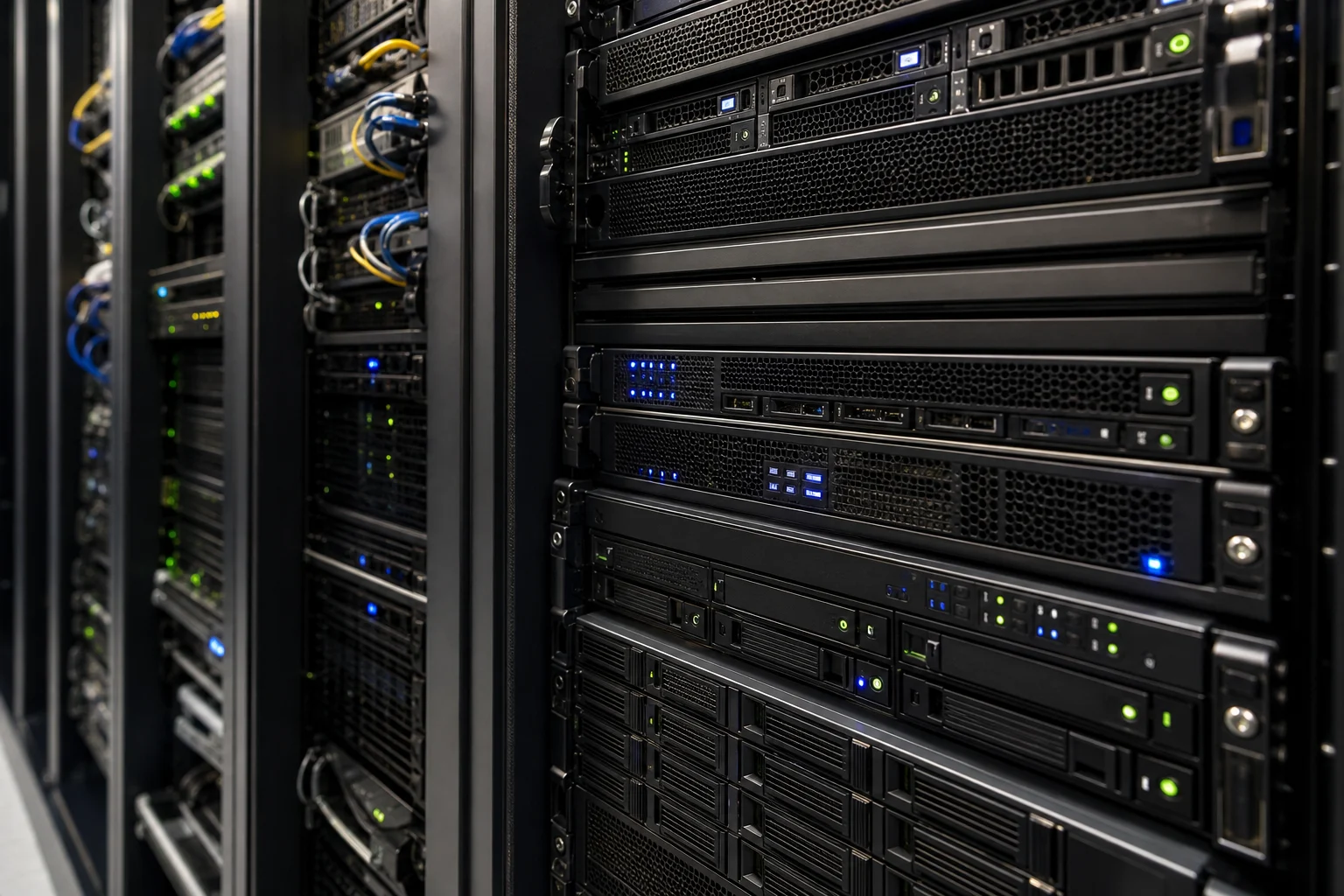 Cloud development server
Why teams add Soda
Put the operating system, curated development tools, project catalog, and shared compute in one place. Developers keep their preferred computers while the team shares one development foundation.
Soda combines Fedora, curated development tools, private connectivity, SSH, project discovery, and Git into one opinionated development appliance.
Keep compute, project processes, databases, agents, and project services the team chooses to run on the Soda machine.
Developers keep their editors, terminals, browsers, and local computers. Soda does not require remote desktop or a single client setup.
The team model
Soda provides one shared development foundation without putting everyone in one working directory.
The machine, operating-system image, system tools, compute, storage, private-network access, and project catalog.
The repository reference and project services the team chooses to run on the machine.
A Linux workspace account, home, complete clone, dependencies, data, caches, and processes.
Soda is designed for a trusted team on a private network. Separate Linux accounts and developer-project workspaces reduce accidental interference; they are not a security boundary for hostile multitenancy.
From machine to workspace
Owner, administrator, and developer describe responsibilities, not necessarily different people. In a smaller team, one person may hold more than one role.
The owner or technical lead chooses the machine, private network, and administrators.
An administrator installs Soda, enrolls it in the Tailnet, creates Linux accounts, and operates image updates.
The team creates a repository on Soda or connects one from its current Git host.
A developer selects Set up for me and receives a separate workspace, complete clone, and SSH command.
Editors, terminals, coding agents, SCP, and SFTP connect directly over OpenSSH. Git collaboration stays with the canonical host.
Familiar systems stay in charge
The Soda OS dashboard makes projects discoverable on the machine. It does not replace repository permissions, branches, reviews, issues, or releases.
Create a repository on Soda or connect one from its current Git host. Repository permissions and Git credentials remain with the canonical Git host and the developer’s ordinary Git setup.
Server and cloud
Deploy Soda OS on Scaleway cloud compute or server hardware your organization controls. The organization operates the instance, private-network access, accounts, and updates; developers connect with their existing tools over SSH.